
The Put a Ring on It Dog Trend: A Guide to the AI Stage Video
What the Put a Ring on It dog trend means, why one pet and two dancers make the scene, and how to create your own photo-based version.
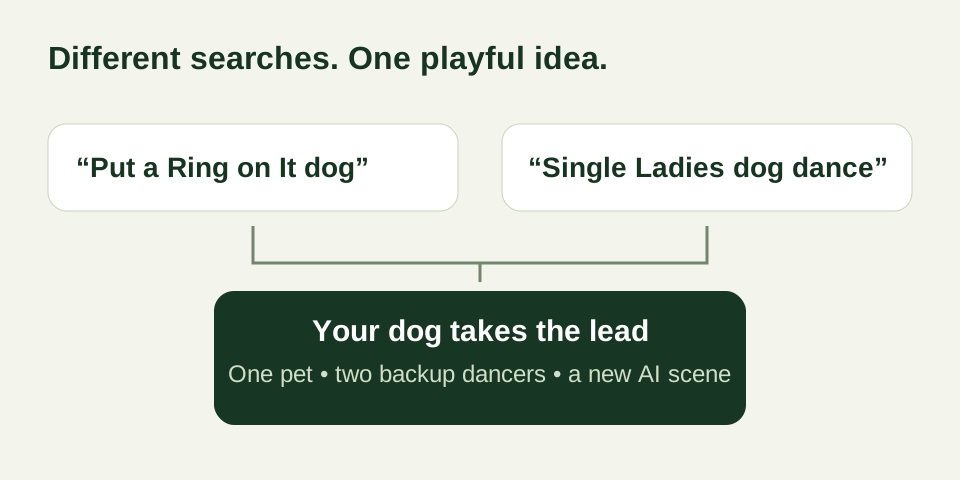
The Put a Ring on It dog trend gives a dog the leading part in a studio performance. Two backup dancers share the stage, while the pet’s face, ears, and small movements draw the attention. The scene is familiar enough to recognize and unexpected enough to make a personal pet video feel playful.
It is also called the Single Ladies dog dance. The names point to the same general pet-and-dancers idea, but they do not mean that every clip uses identical choreography, audio, or production methods. An AI dog dance video is a generated interpretation, so check the example and settings of the specific tool you choose.
The dog is the main character
The scene works because the pet remains the focus. A familiar muzzle, a pair of expressive ears, or a distinctive coat can make the result feel personal before the first large movement happens. The two dancers create the performance around that recognizable face.
You do not need to teach your dog a routine. Choose an ordinary photograph in a comfortable pose. A full-body image with the face and paws visible provides more appearance information than a tiny, blurred crop. Keep the source image simple so the intended dog is obvious.
What an AI version creates
A photo supplies appearance information; it does not contain motion. The generator combines it with staging and movement instructions to produce new video frames. The resulting dog may lift, dip, or tilt its head in a new scene while the backup dancers perform behind it.
This site prepares the stage and the supporting performers for you. The standard workflow requests a 15-second portrait clip at 768P. You upload one dog photo, review the output settings and credit quote, sign in, and submit the task. The video library keeps the task and delivered result associated with your account.
A generated performance can still change details. Look at your pet’s ears, muzzle, coat, and proportions as it moves. The goal of a recognizable stage scene does not guarantee that every frame will exactly match your photograph or another clip you saw online.
Why the names can cause confusion
“Put a Ring on It dog,” “Single Ladies dog AI,” and “dog dance AI” may appear beside similar-looking videos. Some examples emphasize small head movements, while others show more exaggerated action. A title alone cannot tell you which approach a tool will produce.
Look for three things in the tool’s actual example: the foreground pet, both backup dancers, and the full vertical frame. Then read what input is required. A workflow that asks for one photo is different from one that requires you to source and upload a separate reference video.
Media.io’s public guide uses both trend names for the same broad pet-video idea. That is useful terminology context, not evidence that different generators deliver the same result.
The song is a separate choice
The trend name refers to Single Ladies (Put a Ring on It). This site does not provide the original recording, lyrics, or frames from its music video. Your dog’s AI scene is a new generated video, and the music used when sharing it is a separate decision.
Choose audio you have permission to publish for the intended account and purpose. Check the terms of any music option in your editor or social platform. Play the final edit with sound; a visually appealing clip can still need a different audio choice or a timing adjustment before posting.
Make the clip about your own pet
Use a photo that shows the details you love about your dog. Avoid adding heavy image effects before upload, because they can hide the coat or alter the face. If you are deciding between photos, use the dog photo checklist.
After delivery, download the MP4 and watch it on your phone. Check the entire sequence, both dancers, and the edges of the frame. Share it as an AI-created pet performance and choose a caption that fits your own dog’s personality.
Create your own stage moment
Open the dog dance generator when your photo is ready. You can also read how to do the trend step by step or explore the broader AI dog dance guide before submitting.
Frequently asked questions
- What is the Put a Ring on It dog trend?
- It is an AI pet-video idea, also called the Single Ladies dog dance, in which a dog leads a stage scene with two backup dancers behind it.
- Is this a real trained dog dancing?
- Videos made with this generator are AI-created performances from a dog photo. Your pet does not need to learn a routine or perform for the camera.
- Do I need to upload a music video?
- No. This generator uses a prepared stage setup. Upload one clear dog photo; do not upload the artist’s music-video footage or audio.
- Can I add the original song?
- The site does not provide the original recording or lyrics. If you choose music in a publishing app or editor, check that you have permission for your intended use.